
AirMirror: TV Cast via AirPlay
BoostVision
Downloads
1,000,000+
Version
Latest
Click to download now, finish the installation quickly, and directly unlock the all-round experience
Screenshots









Click to download now, finish the installation quickly, and directly unlock the all-round experience
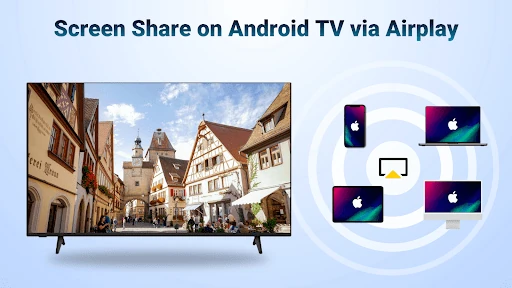
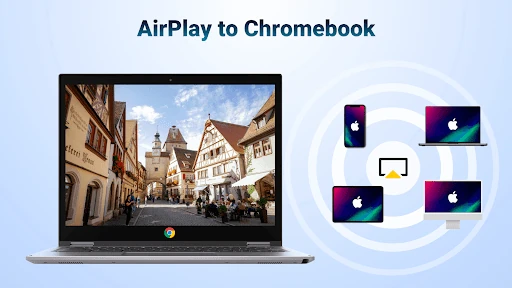
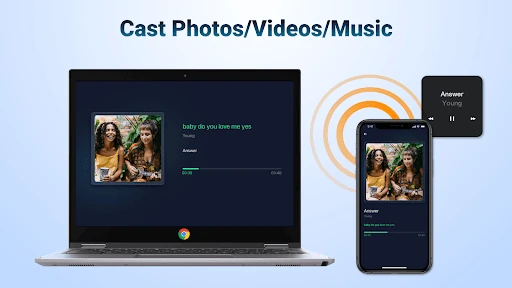
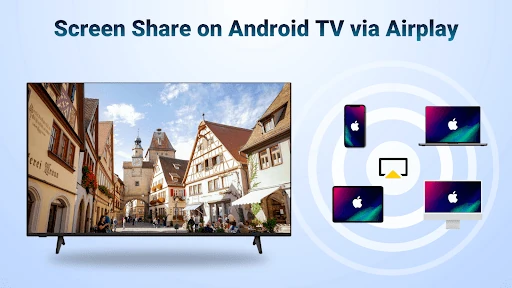
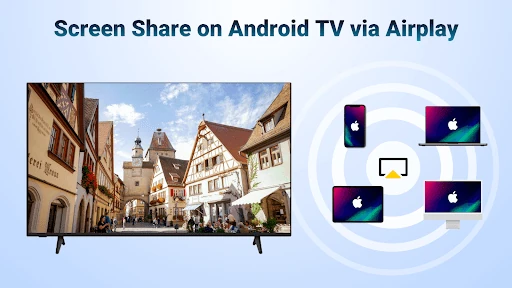
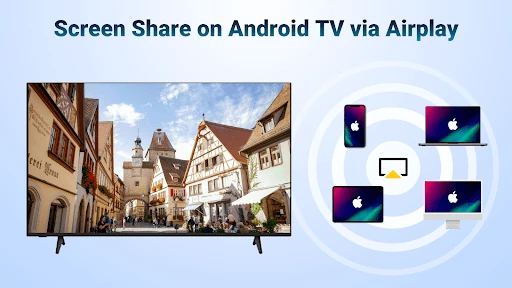
AirMirror: TV Cast via AirPlay turns a compatible Android TV into a receiver for content sent from Apple devices. It is intended for people who use an iPhone, iPad, or Mac but want to view videos, photos, music, or a device screen on a larger Android TV display. The app belongs to the Video Players & Editors category and is developed by BoostVision.
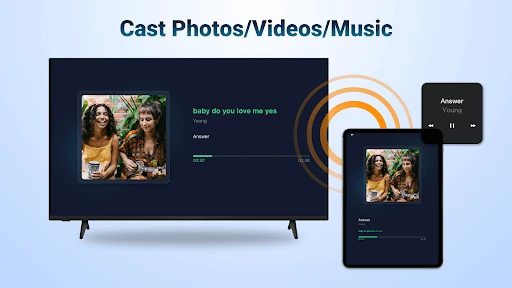
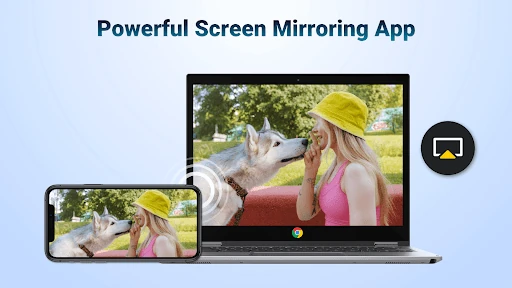
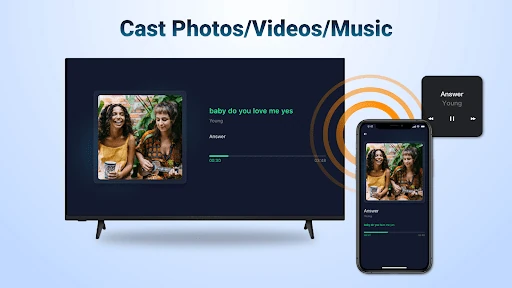
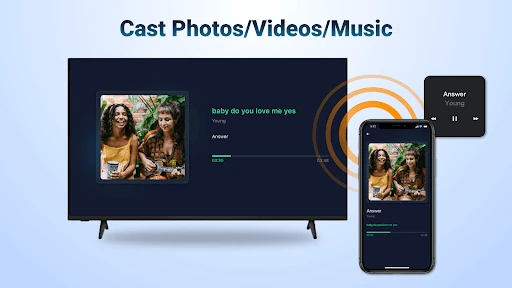
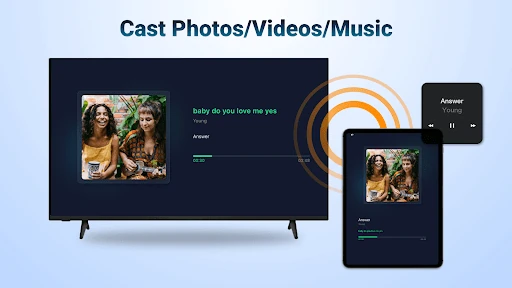
The app supports AirPlay-based screen mirroring as well as casting web videos to the television. This makes it useful for showing mobile content, browsing-based video, vertical clips, and personal photos on a bigger screen. Audio casting can also be used for listening through the TV, while photo casting suits slideshows and group viewing.
AirMirror is most relevant to households with Apple mobile devices and an Android TV, especially when a separate Apple TV device is not part of the setup. Portrait mode can help with phone-first content, while landscape mode is better suited to films and standard television viewing. A reliable local network is important for maintaining a smooth connection during casting and mirroring.
With a 4.37/5 rating from 14,530 reviews and more than 1,000,000 installs, AirMirror has an established user base. Its main purpose is straightforward: bridge AirPlay content from Apple hardware to compatible Android TV screens without changing the source device.